
A new Cabin
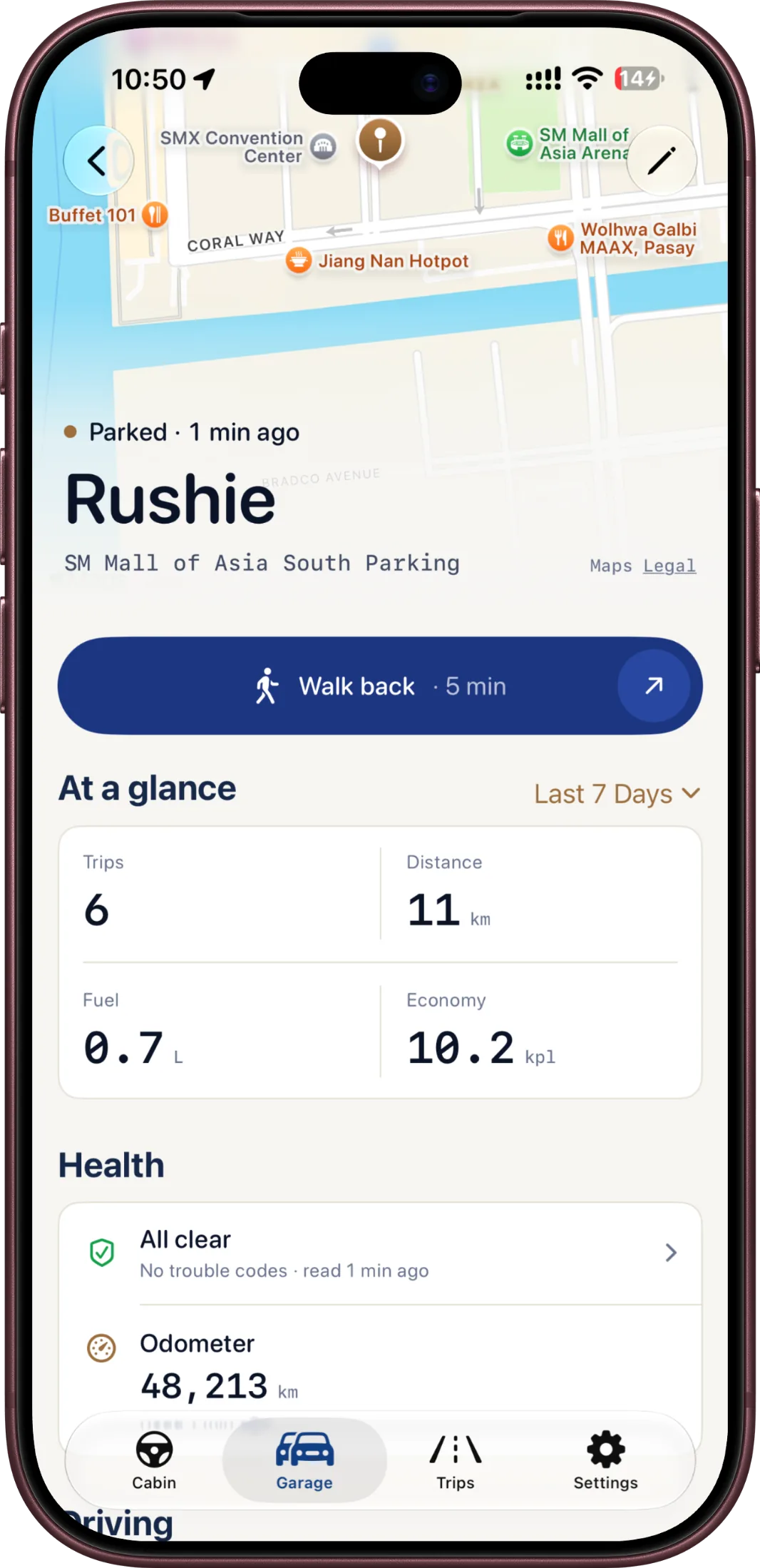
A refreshed Cabin, plus redesigned trip detail and vehicle detail experiences.
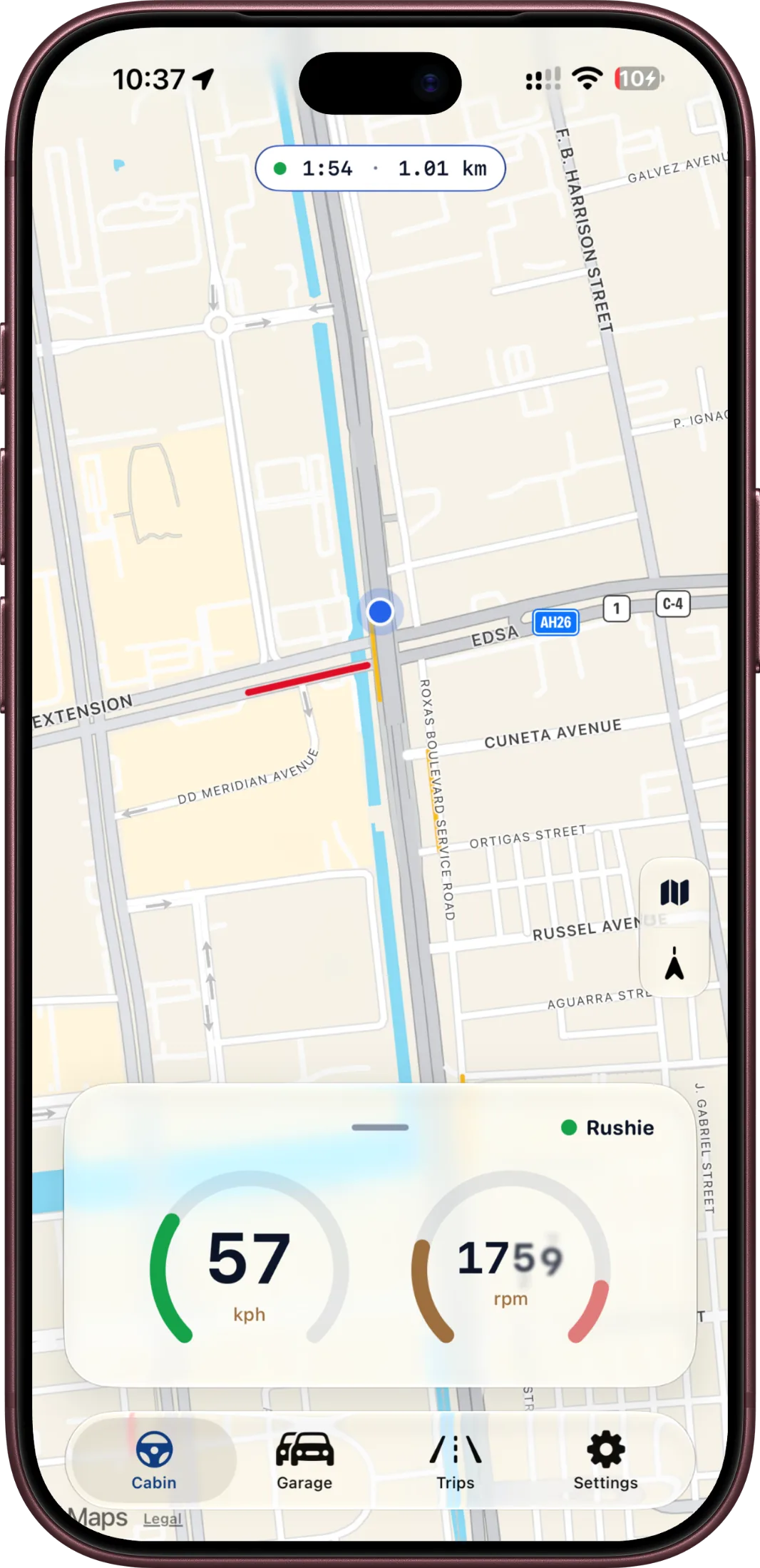
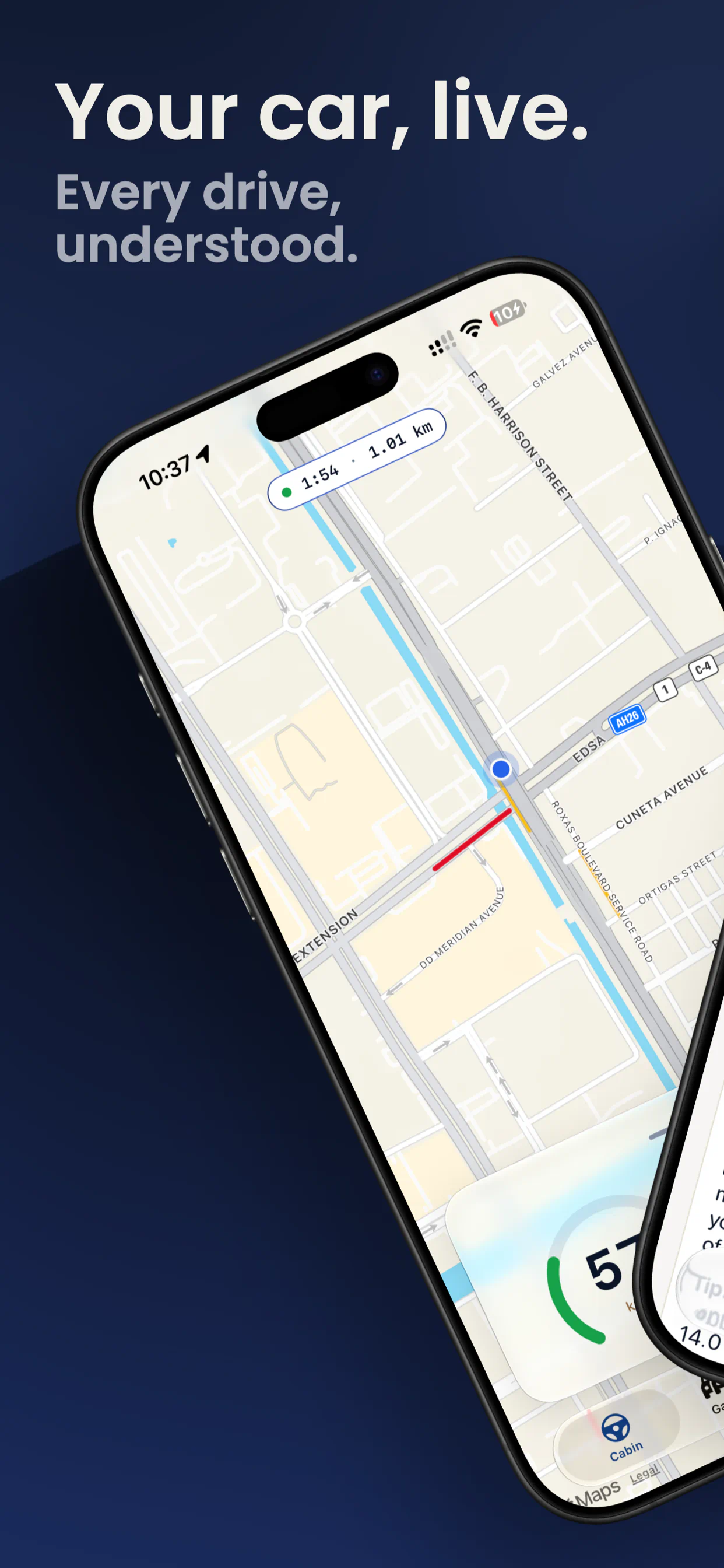
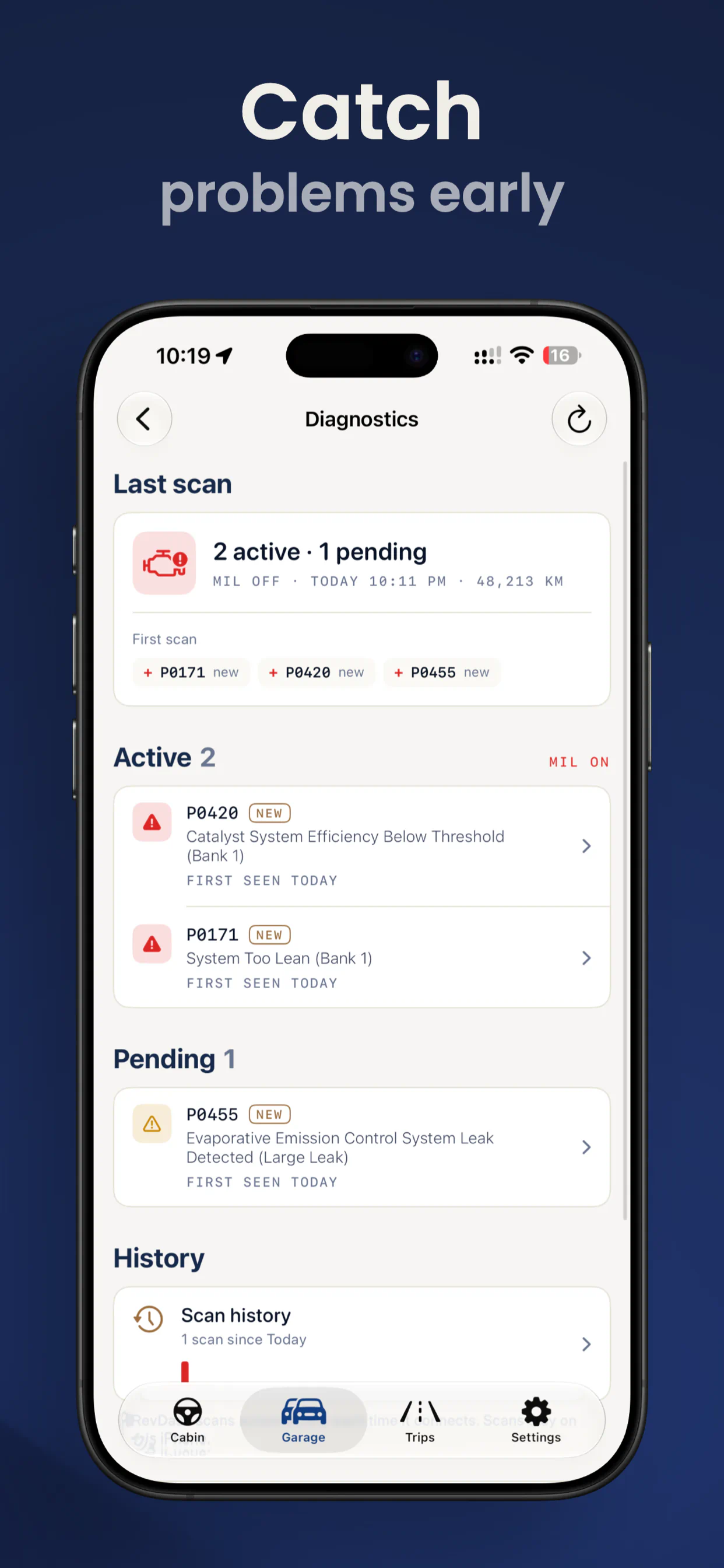
See your car's live data, understand diagnostic codes, and keep a detailed record of your drives—all in a clear dashboard built for iPhone.
Your car, live with RevDash
RevDash 2.0 brings a refreshed dashboard, richer trip tools, and improvements throughout the app.
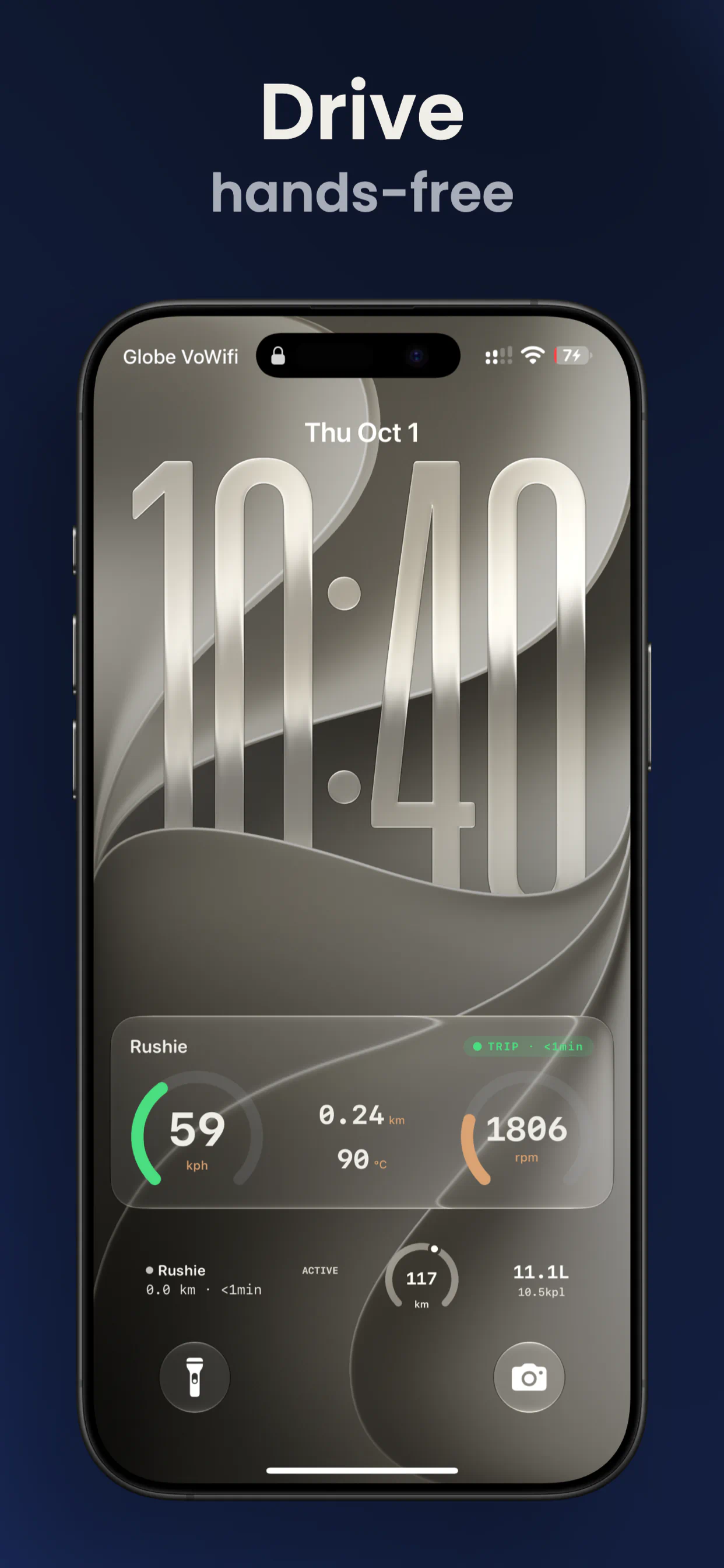
Follow speed, engine RPM, coolant temperature, and other available readings on a redesigned, instrument-inspired dashboard.
Thoughtful upgrades to the moments you use every day, from connecting your car to sharing the story of a drive.
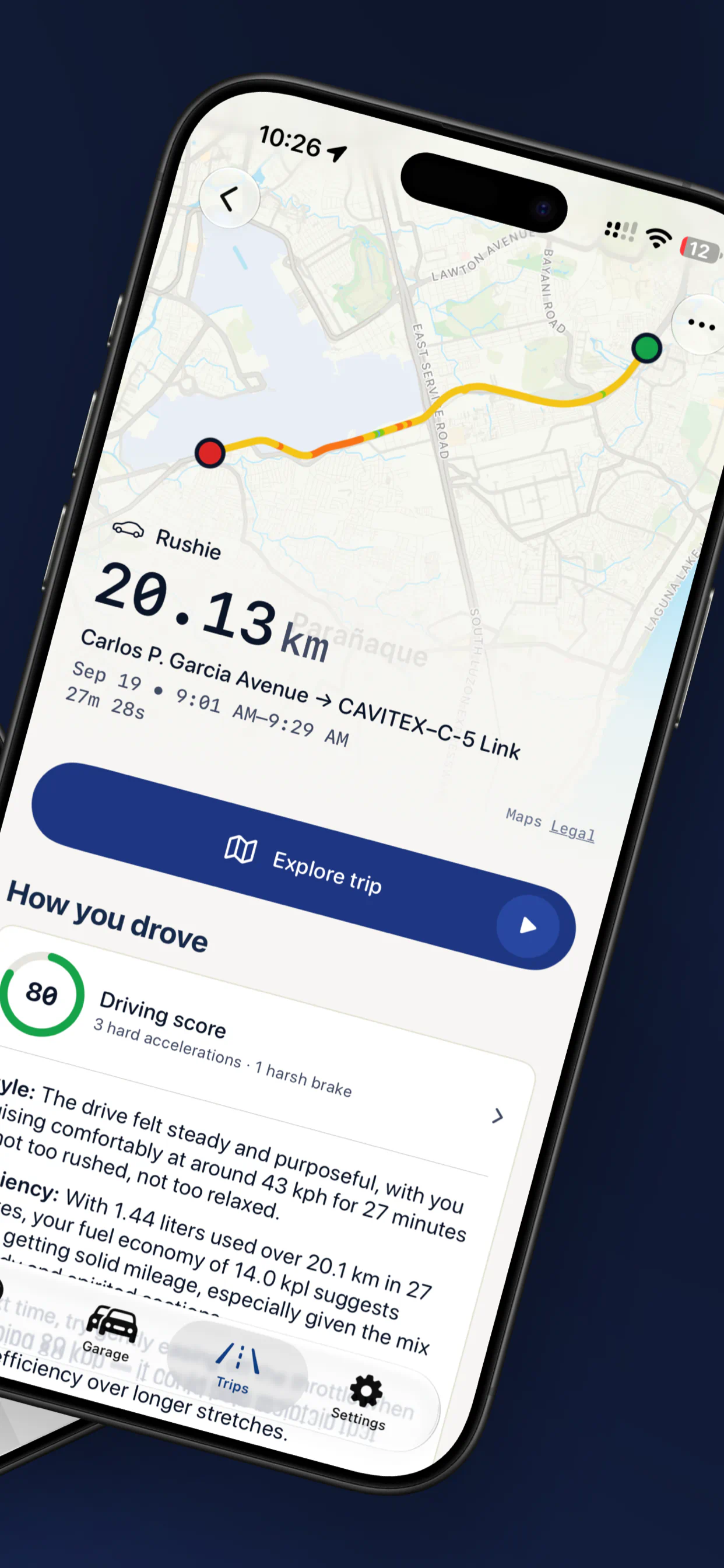
A refreshed Cabin, plus redesigned trip detail and vehicle detail experiences.
Motorcycle mode, manual trip start, multi-head trips, search, and improved trip merging.
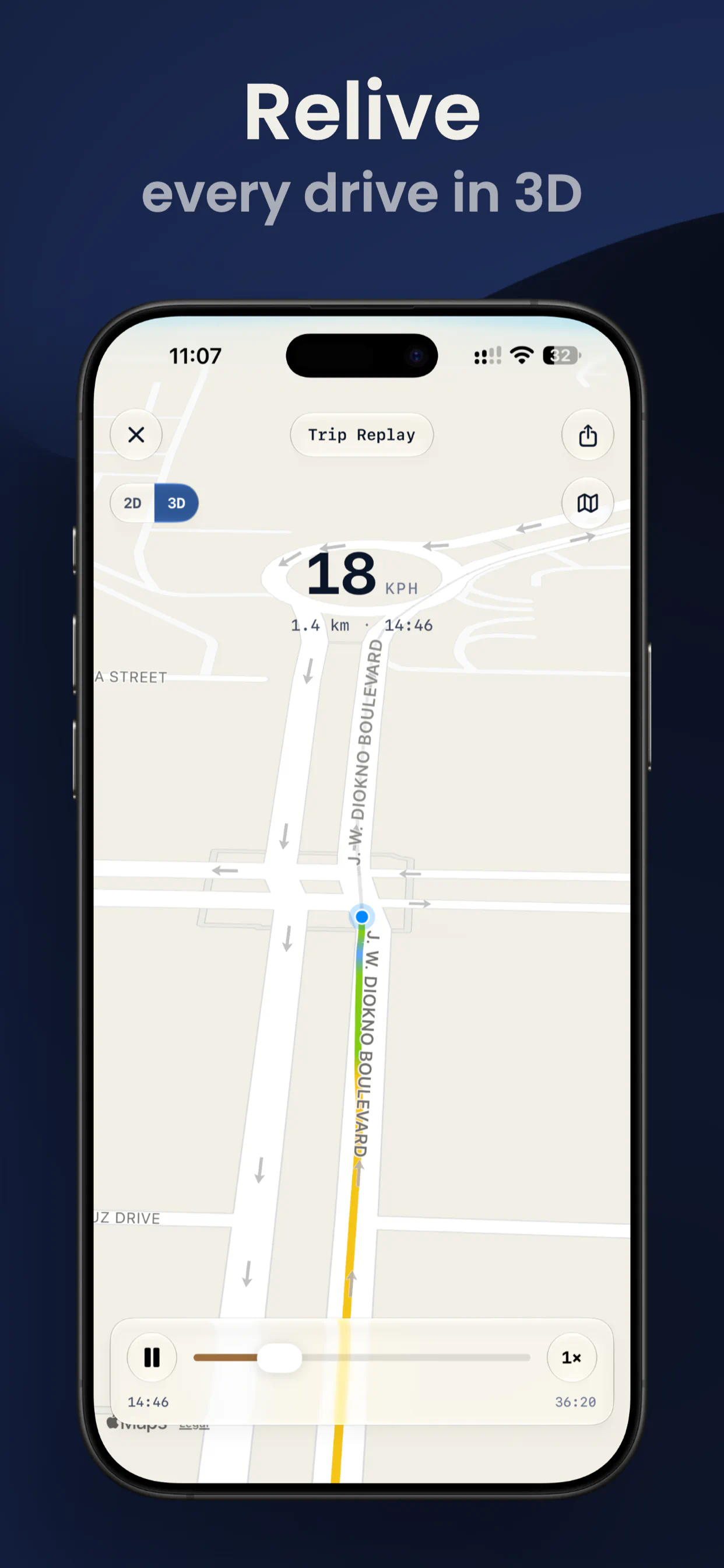
Create photo and video exports with map styles, trip stats, and 2D or 3D route views.
Persistent diagnostics, odometer readings, and more accurate diesel fuel calculations.
Improved OBD updates, fuel readings, distance tracking, and mid-drive trip startup.
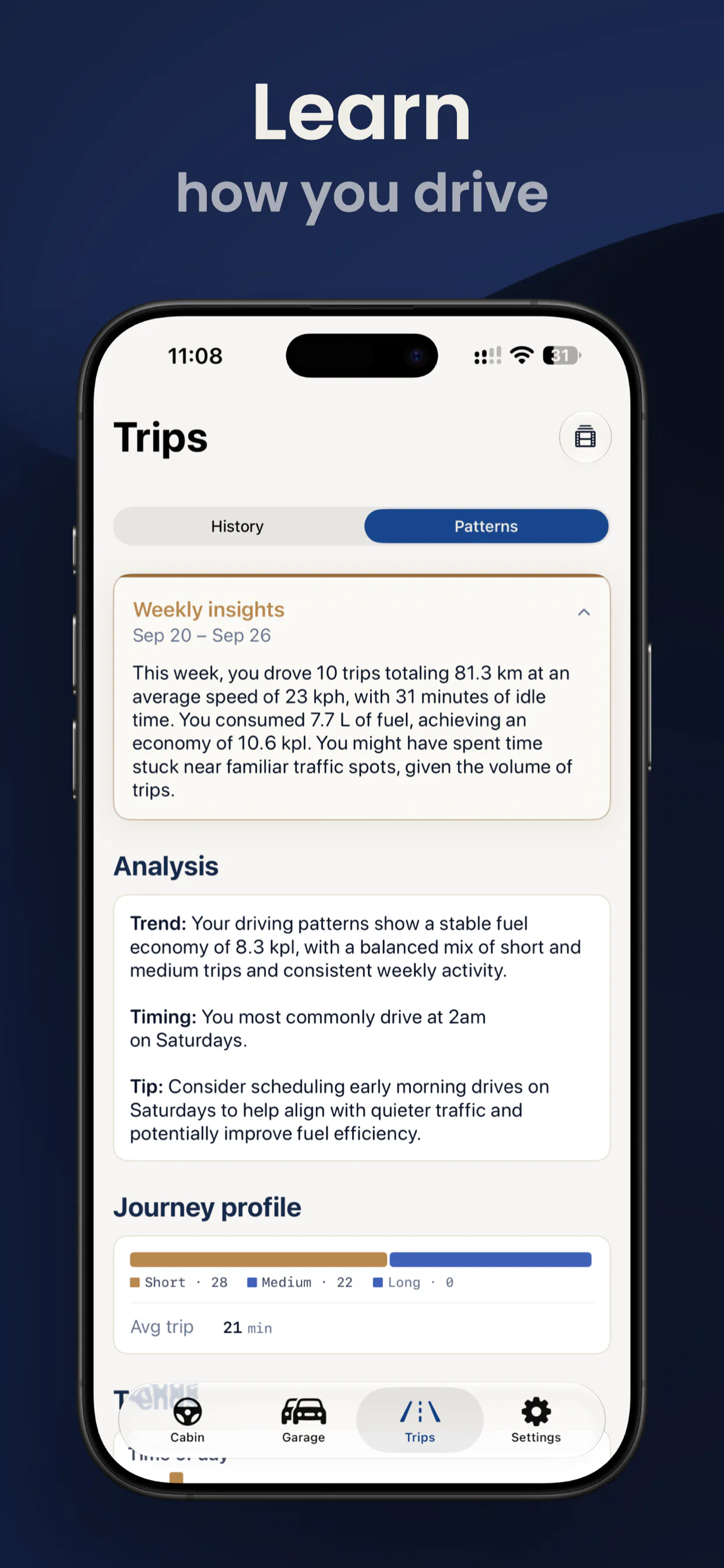
Better Apple Intelligence insights, Live Activities, CarPlay, and photo saving.
When your adapter is connected, RevDash can automatically record distance, duration, fuel use, and route maps in your trip history.
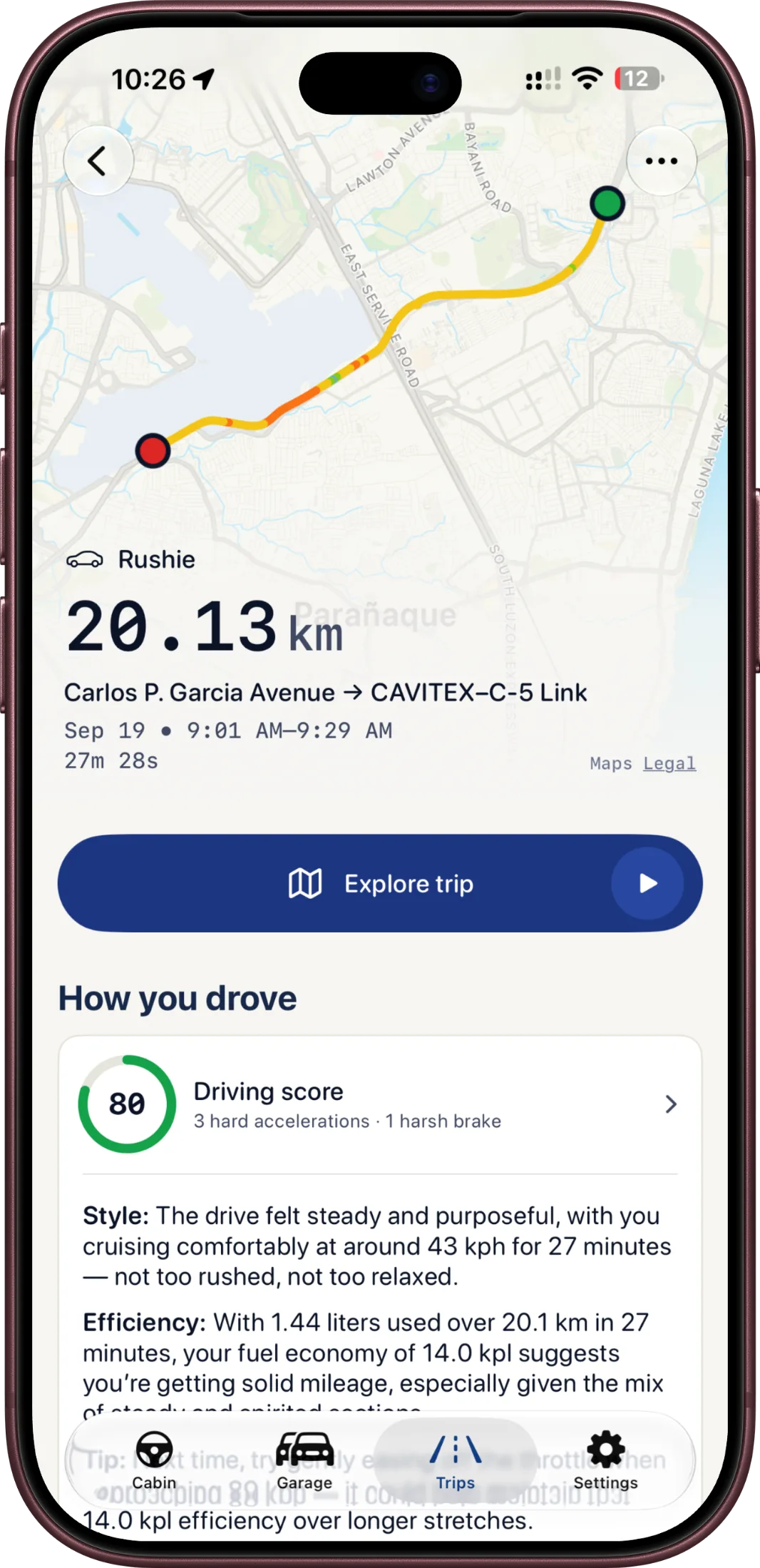
Keep separate trips, diagnostics, and settings for each vehicle in your garage.
No ads, subscriptions, analytics, or cloud account. Your driving data stays on your iPhone.
RevDash works wirelessly with a compatible ELM327 BLE OBD-II adapter. You'll also need a vehicle with an OBD-II port, Bluetooth enabled, and Location access for route recording.
Get RevDash for iPhone and bring the information that matters into view.
 Available vehicle readings vary by make, model, and adapter.